Meme maker
Put captions on any picture: the classic outlined capitals or plain text, placed where you want them. Your picture stays on your device.
Picture
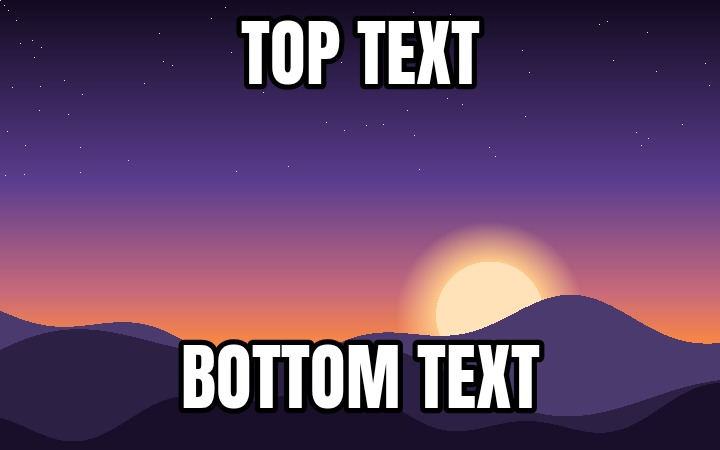
Text 1, "Top text": 90% wide, 20% high, 5% from the left, 4% from the top
Opening the picture
What it does
Puts captions on a picture. It starts with one at the top and one at the bottom, the way a classic meme is laid out, and you can add more, move them anywhere and make them larger or smaller. Each caption is either the classic style, white capitals with a black outline, or plain text in a colour you choose.
What you see is what is saved: the picture on the page is drawn the same way as the file you download, at the picture’s full size.
How to use it
- Choose a picture, drop it onto the page, or paste one you copied. The page opens with a sample so you can try it first.
- Type your captions in the text fields. The words are made as large as fits their box.
- Drag a box to move it, and drag its corners or edges to resize it. With the keyboard, tab to a box, then use the arrow keys to move it and Shift with an arrow key to resize it.
- Use Add text box for another caption and Remove to take one away.
- Press Copy to paste the meme straight into a chat, or Download to save it as a PNG or JPEG.
Loading a picture from an address asks the site that hosts it for the image, straight from your browser. shell has no server that fetches it for you.
A picture can be up to 50 MB. An iPhone HEIC photo needs converting first: Convert image does that.
Questions
Is my picture uploaded?
No. A picture you choose, drop or paste is opened by your own browser and never leaves your device. The meme is drawn and saved there too.
How do I use a picture I found on another site?
Copy the image on that site (right-click it and choose Copy image), then press Ctrl V here, or Cmd V on a Mac. That works for almost any image. You can also paste its address into the address box, but many sites do not allow that.
Why does loading from an address fail?
A browser will only let one site save a picture that came from another site if that other site says it may. Many do not. Nothing is wrong with the image: copy it there and paste it here instead.
Are there meme templates?
No. This tool puts captions on your own picture. For a well-known template, find the blank image, copy it, and paste it here.
Which font is the classic style?
Anton, an open-licence typeface drawn in the same heavy, condensed style as Impact, the font the first image macros used. Impact itself cannot be included with a website. The white capitals with a black outline stay readable on any picture.
PNG or JPEG?
JPEG is smaller and is what most chat apps and social sites turn pictures into anyway. PNG keeps every pixel exactly and keeps transparency, at a larger size. For a photo, choose JPEG.